

Introduction
Knowing how to change Apple Watch band is one of the simplest ways to personalize your smartwatch while improving comfort and practicality. Whether you’re switching from a sporty silicone band for workouts to a leather strap for business meetings or replacing a worn-out band with a new one, the process only takes a minute when done correctly.
Many Apple Watch owners hesitate to remove the band because they worry about damaging the watch or getting the replacement wrong. Fortunately, Apple designed the band release system to be straightforward and secure. With a little guidance, anyone can swap bands safely without special tools or technical experience.
This guide explains every step in detail, covers compatibility between different Apple Watch sizes, highlights common mistakes, and provides practical maintenance tips to keep both your watch and bands looking their best.
Understanding Apple Watch Bands and Compatibility
Before changing your Apple Watch band, it’s helpful to understand how Apple’s band system works. Every Apple Watch has two release buttons on the back of the case. These buttons unlock the bands, allowing them to slide smoothly out of their slots. Unlike traditional watches that require tiny pins or specialized tools, Apple’s design makes the process quick and convenient.
Compatibility is another important factor. Apple Watch bands are designed to fit specific case sizes. Older 38mm, 40mm, and 41mm watches generally share compatible bands, while 42mm, 44mm, 45mm, 46mm, and 49mm models fit another compatible size group. This means you should always verify your watch’s case size before purchasing a replacement band.
Different Types of Apple Watch Bands
Apple offers a wide range of band styles, each designed for different activities and preferences.
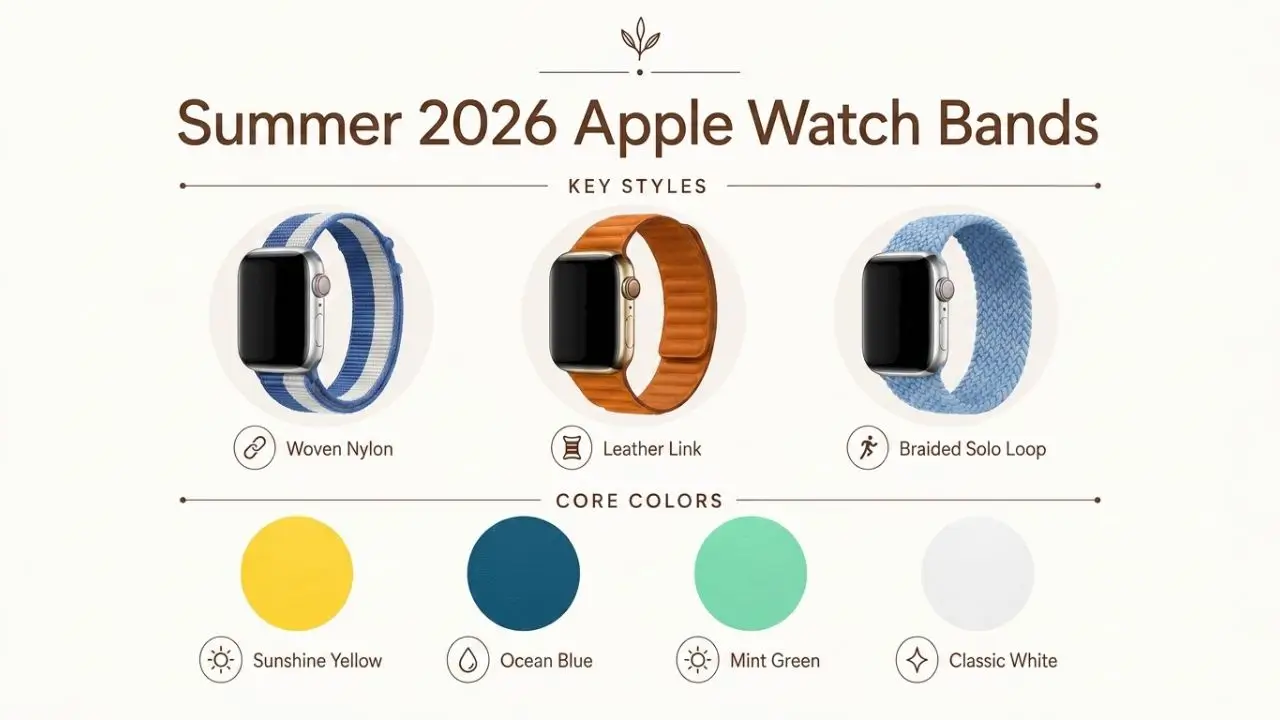
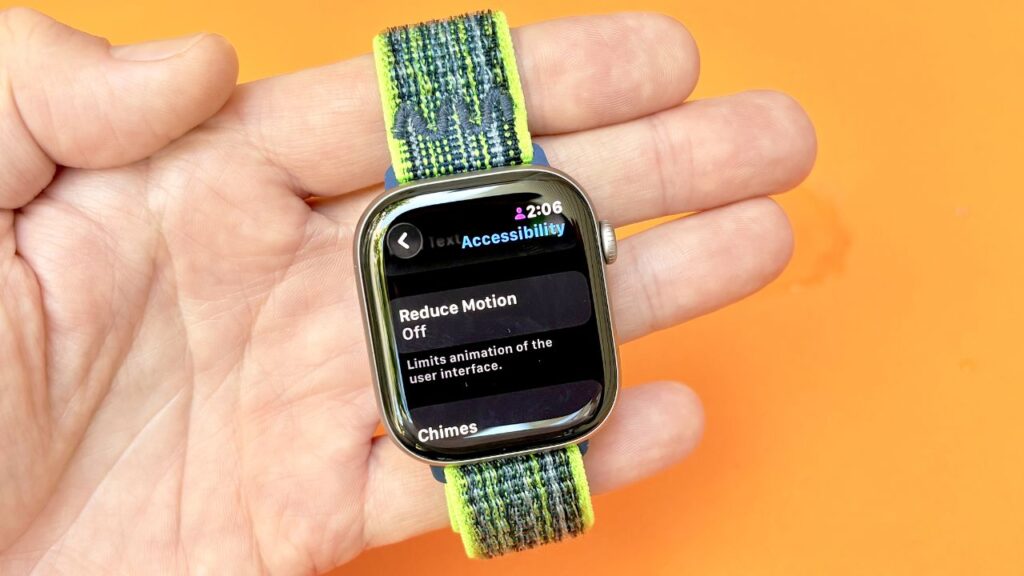
Sport Bands are made from durable fluoroelastomer, making them comfortable for exercise and daily wear. Sport Loops use woven nylon with adjustable hook-and-loop fasteners, making them lightweight and breathable.
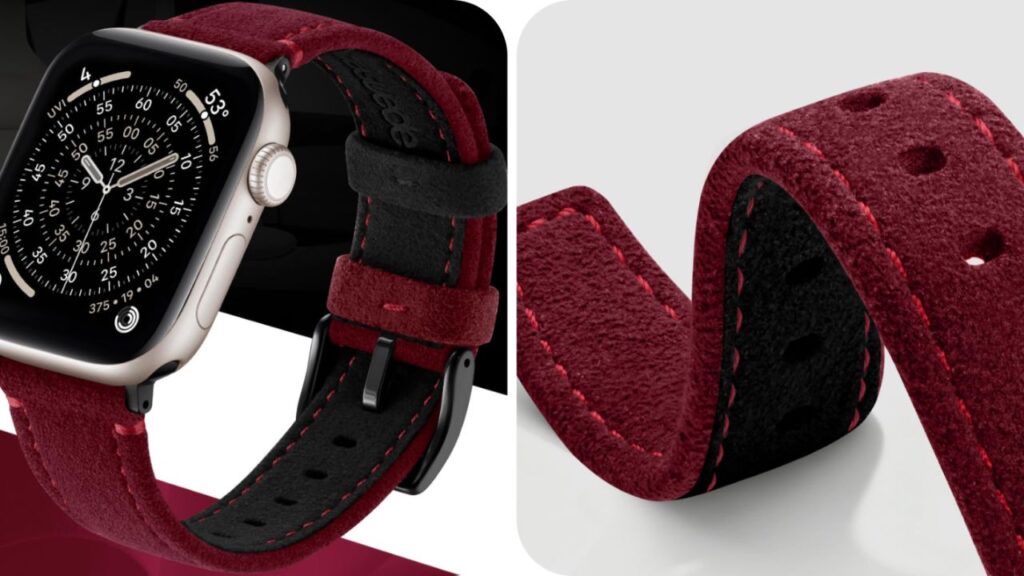
Leather bands offer a classic appearance suitable for professional settings, while stainless steel link bracelets provide a premium look with excellent durability. Braided Solo Loops combine comfort with a seamless design, while Milanese Loop bands use magnetic closures for a refined appearance.
Choosing the right band depends on your lifestyle. Someone who exercises daily may prefer a Sport Band, while frequent travelers might appreciate the versatility of a Braided Solo Loop.
Step-by-Step Instructions for How to Change Apple Watch Band
Changing an Apple Watch band is simple when performed carefully. The first step is finding a clean, soft surface such as a microfiber cloth or folded towel. This protects the display from scratches while you work.
Turn your Apple Watch face down so the back of the watch is facing upward. Locate the two elongated release buttons near the top and bottom where each band connects to the watch case.
Removing the Existing Band
Press one release button firmly with your finger. While holding the button, gently slide the connected band sideways until it comes free. If it doesn’t move easily, avoid forcing it. Continue holding the release button while applying gentle pressure.
Repeat the process for the second half of the band. Once both pieces are removed, inspect the slots for dust, lint, or debris that could interfere with installing the replacement.
Installing the New Band
Take one half of your replacement band and identify its orientation. Carefully slide it into the matching slot until you hear or feel a soft click. This click indicates the locking mechanism has engaged properly.
Repeat the process for the second piece. After both sections are attached, gently tug each side without pressing the release buttons. Neither side should slide out. If a band moves freely, remove it and reinstall it until it locks securely.
Testing the fit before wearing the watch helps ensure the band is properly secured.
Common Mistakes to Avoid When Changing an Apple Watch Band
One of the biggest mistakes people make is forcing the band out when it doesn’t slide easily. Excessive force can damage the locking mechanism or scratch the watch case. If the band sticks, simply press the release button more firmly and try again with steady, even pressure.
Another frequent mistake is inserting the replacement band backward. Although many Apple Watch bands can slide in from either direction, certain designs have a specific orientation for maximum comfort and proper closure.
Many users also forget to confirm the band has locked into place. Even if it appears installed correctly, always perform a gentle pull test before wearing the watch. This simple step can prevent accidental drops.
Using low-quality third-party bands without proper manufacturing standards can also create problems. Poorly made connectors may not lock securely, increasing the risk of the watch slipping off your wrist. If purchasing non-Apple bands, choose products from reputable manufacturers with consistently positive customer reviews.
Finally, avoid changing bands over hard surfaces like tile or concrete. A soft workspace provides extra protection if the watch or band is accidentally dropped.
Caring for Your Apple Watch Bands for Long-Term Use
Proper maintenance extends the life of both your Apple Watch and its bands. Different materials require different cleaning methods, so understanding your band’s material helps prevent unnecessary wear.
Silicone and fluoroelastomer bands can usually be cleaned with warm water and mild soap. After washing, dry them thoroughly with a lint-free cloth before reattaching them to the watch.
Fabric bands should be cleaned gently with a damp cloth rather than soaked for long periods. Excess moisture can affect the fibers and reduce their lifespan if not dried completely.
Leather bands deserve extra care because they naturally absorb moisture and oils from your skin. Avoid prolonged exposure to water, sweat, perfumes, or direct sunlight. Periodically wiping leather with a dry, soft cloth helps preserve its appearance.
Metal link bracelets and Milanese loops benefit from occasional cleaning with a microfiber cloth to remove fingerprints and everyday grime. If deeper cleaning is needed, use minimal moisture and dry thoroughly afterward to reduce the chance of corrosion.
Rotating between multiple bands can also increase longevity. Instead of wearing the same band every day, alternating between styles reduces continuous wear and gives each band time to dry after exposure to sweat or humidity.
Choosing the Right Apple Watch Band for Every Occasion
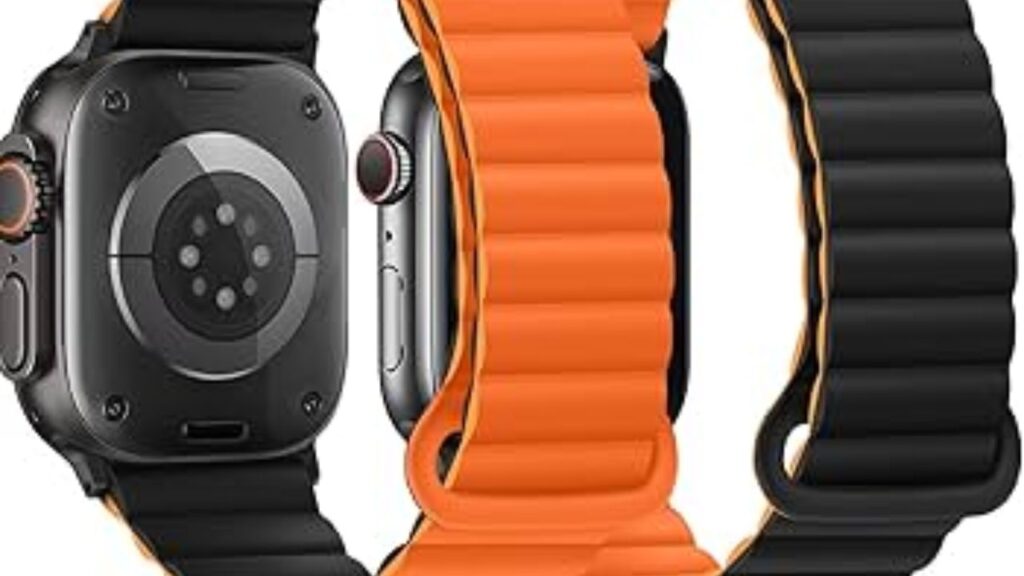
One of the greatest advantages of owning an Apple Watch is the ability to adapt its appearance in seconds. A simple band change can transform the watch from a fitness companion into an elegant accessory suitable for formal events.
For workouts, lightweight Sport Bands and Sport Loops remain excellent choices because they resist moisture and stay comfortable during movement. Their easy-to-clean materials also make post-workout maintenance simple.
Office environments often call for a more refined appearance. Leather bands and stainless steel bracelets complement business attire while maintaining the Apple Watch’s modern aesthetic.
Casual everyday wear allows for the most flexibility. Braided Solo Loops offer exceptional comfort for extended wear, while colorful Sport Bands add personality without sacrificing durability.
Seasonal changes can influence your choice as well. Breathable fabric bands are particularly comfortable during warmer months, while leather bands often feel more appropriate in cooler weather.
If you frequently attend both professional meetings and fitness sessions on the same day, keeping multiple bands available lets you switch styles in less than a minute. This flexibility is one of the features many Apple Watch owners appreciate most after learning how simple band changes really are.
Conclusion
Learning how to change Apple Watch band is a valuable skill that makes your smartwatch more versatile, comfortable, and personalized. Apple’s thoughtfully designed release mechanism allows nearly anyone to switch bands safely without tools, provided the correct steps are followed.
Taking a few extra moments to verify compatibility, install each band securely, and care for different materials will help protect your investment while extending the life of your accessories. Whether you’re preparing for a workout, a formal event, or simply refreshing your everyday style, changing your Apple Watch band is one of the easiest ways to give your device a completely new look.
Frequently Asked Questions (FAQs)
1. Do I need any tools to change an Apple Watch band?
No. Apple Watch bands are designed to be removed and installed by hand using the built-in release buttons.
2. Can I use any Apple Watch band on every model?
No. Bands must be compatible with your watch’s case size. Always verify compatibility before purchasing.
3. Why won’t my Apple Watch band slide out?
The release button may not be fully pressed. Hold it firmly while gently sliding the band sideways without forcing it.
4. How do I know if the new band is locked correctly?
You should hear or feel a click when the band is fully inserted. Perform a gentle pull test to ensure it is securely attached.
5. Is it safe to use third-party Apple Watch bands?
Yes, provided they come from reputable manufacturers with reliable locking connectors and good build quality.
6. Can changing the band scratch my Apple Watch?
If done carefully on a soft surface without forcing the band, changing bands is unlikely to scratch the watch.
7. How often should I clean my Apple Watch band?
For everyday wear, cleaning every few weeks is generally sufficient. Bands used during workouts should be cleaned more frequently to remove sweat and dirt.
8. Can leather Apple Watch bands get wet?
Leather bands should not be soaked or exposed to excessive moisture, as water can damage the material over time.
9. Why does my Apple Watch band feel loose after installation?
The band may not have fully clicked into place. Remove it and reinstall it until the locking mechanism engages securely.
10. Is it okay to change Apple Watch bands every day?
Yes. Apple designed the band system for frequent changes, making it easy to match different outfits, activities, and occasions.
