

Introduction
The USB C cable has quickly become the universal standard for modern connectivity, transforming how we charge devices and transfer data. From smartphones and laptops to gaming consoles and accessories, this versatile cable offers speed, efficiency, and convenience like never before. If you’ve ever been confused about which cable to buy or why some charge faster than others, you’re not alone.
In this comprehensive guide, we’ll explore everything you need to know about the USB C cable—how it works, its benefits, different types, and how to choose the right one. Whether you’re a tech enthusiast or an everyday user, this article will help you make informed decisions and maximize your device performance.
1. What is a USB C Cable and How Does It Work?
A USB C cable is a type of connector that uses the USB Type-C standard, designed to replace older USB formats like USB-A and USB-B. Its most noticeable feature is its reversible design, meaning you can plug it in either way without worrying about orientation. This small but impactful design change has made USB C cables incredibly user-friendly.
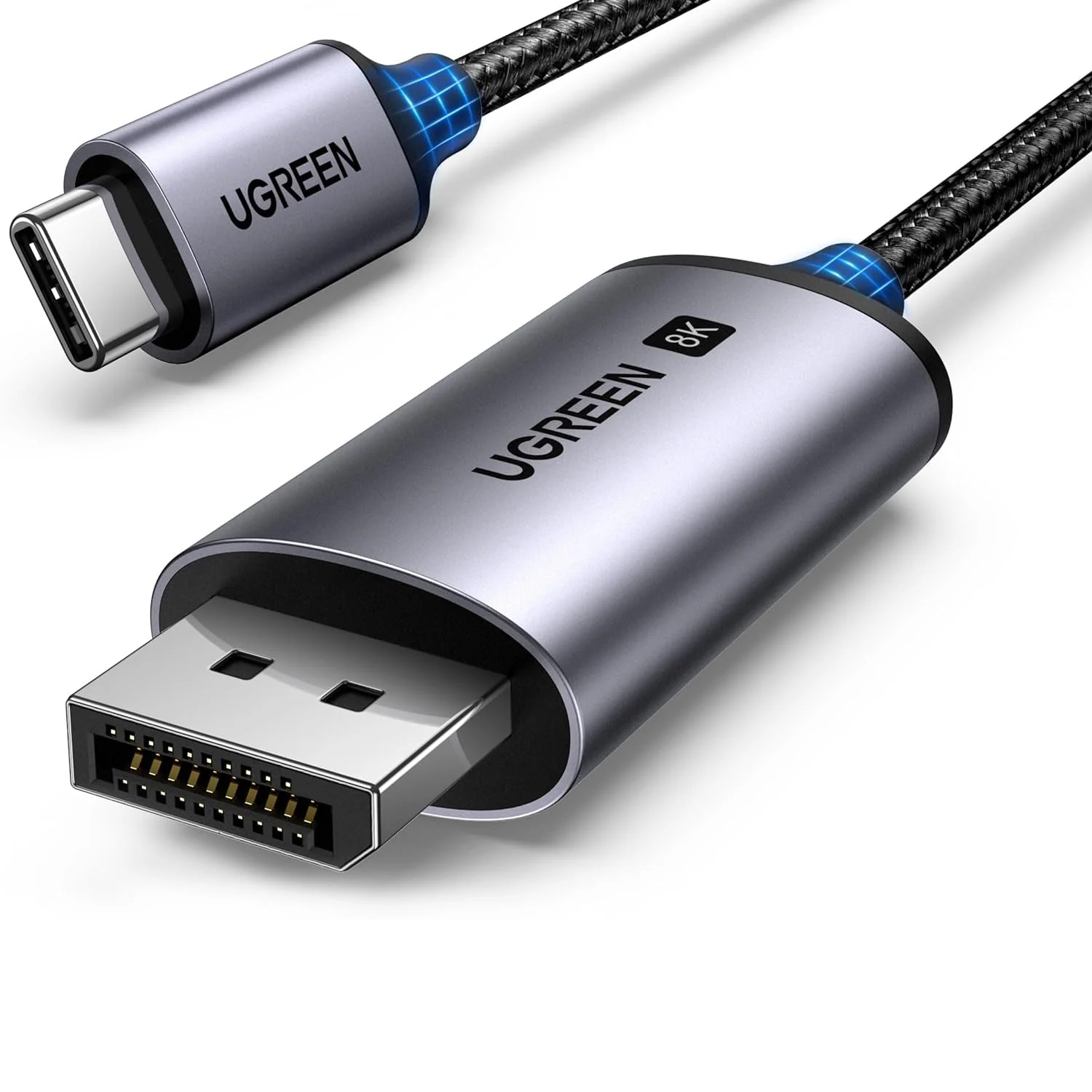
Beyond convenience, USB C cables are engineered for high performance. They support faster data transfer speeds and higher power delivery compared to older USB versions. This makes them suitable for charging laptops, transferring large files, and even connecting external displays. The cable uses advanced protocols like USB Power Delivery (USB PD) and Alternate Modes, enabling it to handle multiple tasks efficiently.
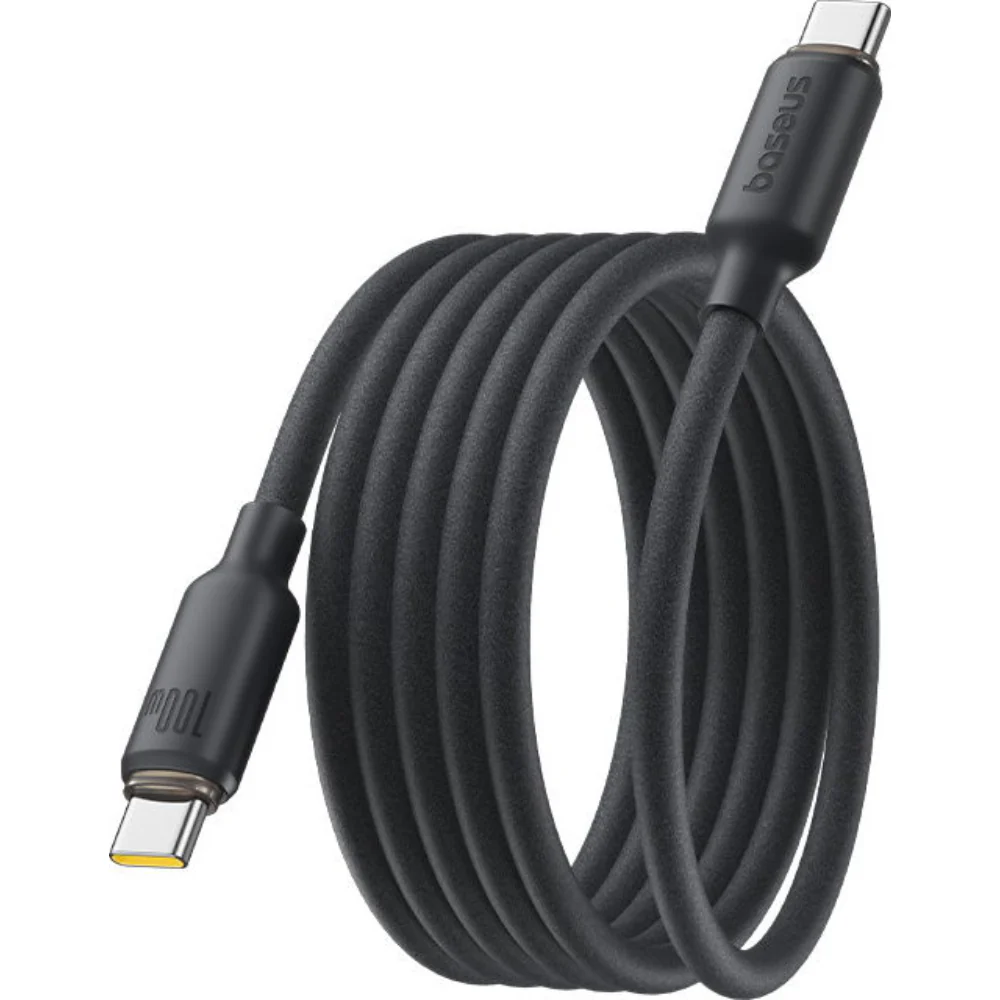
Another key aspect is its universality. One USB C cable can replace several types of cables, reducing clutter and simplifying connectivity. However, not all USB C cables are the same, which is why understanding their specifications is crucial.
2. Types of USB C Cables and Their Differences
Not all USB C cables offer the same features, and choosing the wrong one can limit your device’s performance. There are several types based on speed, power, and functionality.
First, there are basic USB 2.0 USB C cables. These are affordable and suitable for simple tasks like charging and low-speed data transfer. They typically support speeds up to 480 Mbps, which is sufficient for everyday use but not ideal for transferring large files.
Next are USB 3.2 and USB4 cables, which offer significantly faster speeds—up to 20 Gbps or even 40 Gbps. These are ideal for professionals who frequently transfer large files, such as video editors and designers. Additionally, Thunderbolt-compatible USB C cables provide even higher performance, enabling ultra-fast data transfer and support for multiple 4K displays.
Another important distinction is power delivery. Some USB C cables support up to 60W charging, while others can handle up to 100W or more. High-power cables are essential for charging laptops and other power-hungry devices. Choosing the right type ensures optimal performance and prevents potential damage.
3. Benefits of Using a USB C Cable
The USB C-cable has become popular for several reasons, and its advantages go beyond just faster charging. One of the biggest benefits is its versatility. A single cable can charge your phone, power your laptop, and connect to external displays, making it a true all-in-one solution.
Speed is another major advantage. USB C cables support faster data transfer rates compared to older USB types. This means you can transfer large files in seconds instead of minutes. For professionals working with high-resolution videos or large datasets, this can significantly improve productivity.
Durability and future-proofing also make USB C cables a smart choice. Most modern devices are adopting USB C as the standard, ensuring compatibility for years to come. Additionally, many USB C cables are built with stronger materials, reducing wear and tear over time.
Finally, USB C cables support advanced features like fast charging and video output. This makes them essential for modern tech ecosystems, where efficiency and performance are key.
4. How to Choose the Right USB C-Cable
Selecting the right USB C-cable can be tricky, especially with so many options available. The first factor to consider is your device’s requirements. Check whether your device supports fast charging or high-speed data transfer, and choose a cable that matches those capabilities.
Cable length is another important consideration. While longer cables offer convenience, they can sometimes reduce performance, especially for high-speed data transfer. Shorter cables are generally more efficient and reliable for tasks requiring maximum speed.
You should also look at the cable’s certification and build quality. Certified cables ensure safety and compatibility, reducing the risk of overheating or damage. Features like braided exteriors and reinforced connectors can increase durability, making the cable last longer.
Lastly, consider your usage scenario. If you need a cable for basic charging, a standard option will suffice. However, for professional use or high-performance tasks, investing in a premium USB C cable is worth it. Making the right choice can save you time, money, and frustration in the long run.
5. Common Uses of USB C Cables in Daily Life
The USB C-cable has become an essential part of everyday life, thanks to its wide range of applications. One of its most common uses is charging smartphones, tablets, and laptops. With fast charging capabilities, it significantly reduces the time needed to power up your devices.
Another popular use is data transfer. Whether you’re moving photos, videos, or documents, USB C cables make the process quick and efficient. This is especially useful for professionals who need to handle large files regularly.
USB C cables are also widely used for connecting external devices. From monitors and keyboards to storage drives and gaming accessories, they provide seamless connectivity. The ability to support video output means you can connect your laptop to a monitor using a single cable.
In addition, USB C cables are used in emerging technologies like virtual reality and advanced docking stations. Their versatility ensures they remain relevant as technology continues to evolve, making them a valuable investment for the future.
Conclusion
The USB C-cable is more than just a charging accessory—it’s a powerful tool that enhances connectivity, speed, and convenience. With its universal design, fast data transfer, and high power delivery, it has become the standard for modern devices.
Understanding the different types, features, and uses of USB C cables allows you to make better purchasing decisions and get the most out of your devices. As technology continues to advance, the importance of USB C cables will only grow, making them an essential part of any tech setup.
